Folio adds a few conveniences for your readers on top of the static content. Most
work automatically; the ones that need configuration are set in _config.yml.
The sidebar menu
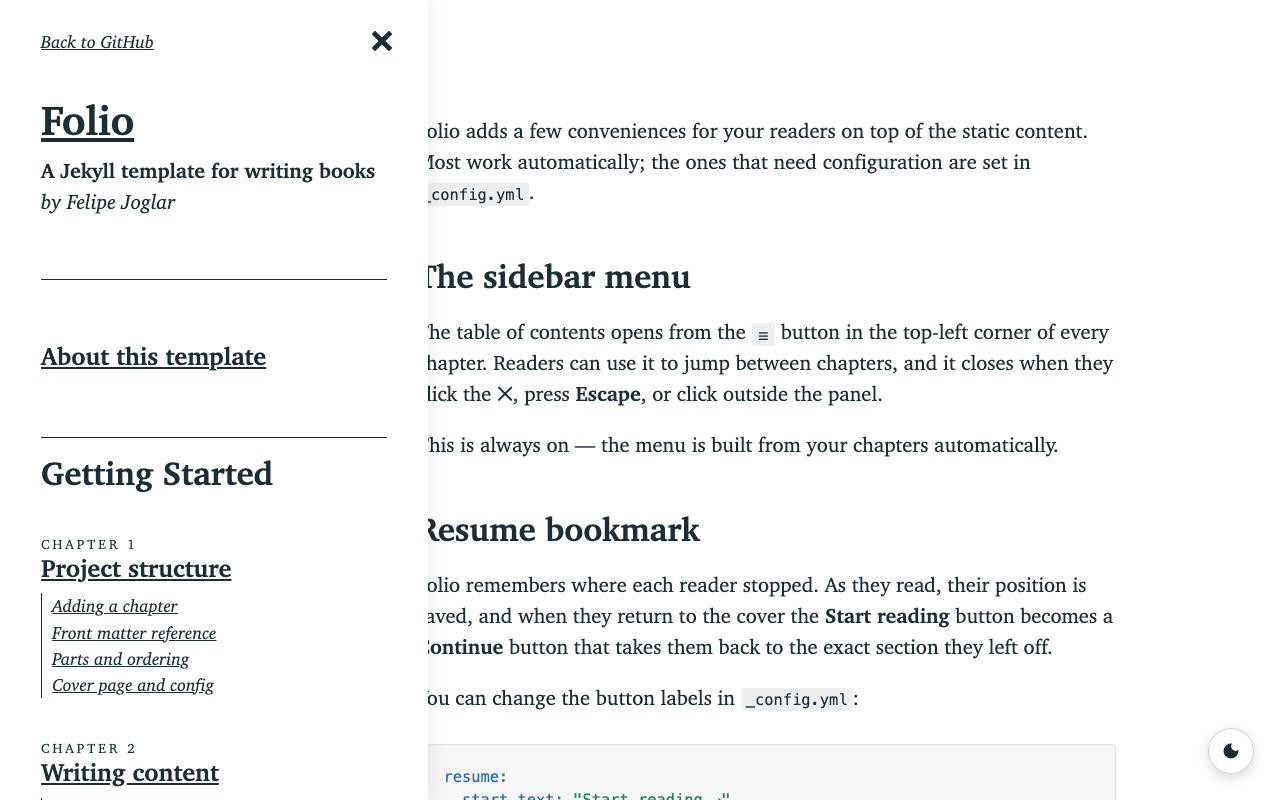
The table of contents opens from the ☰ button in the top-left corner of every
chapter. Readers can use it to jump between chapters, and it closes when they
click the ✕, press Escape, or click outside the panel.
This is always on — the menu is built from your chapters automatically.
Resume bookmark
Folio remembers where each reader stopped. As they read, their position is saved, and when they return to the cover the Start reading button becomes a Continue button that takes them back to the exact section they left off.
You can change the button labels in _config.yml:
resume:
  start_text: "Start reading →"
  continue_text: "Continue from where you left off →"
Share on selection
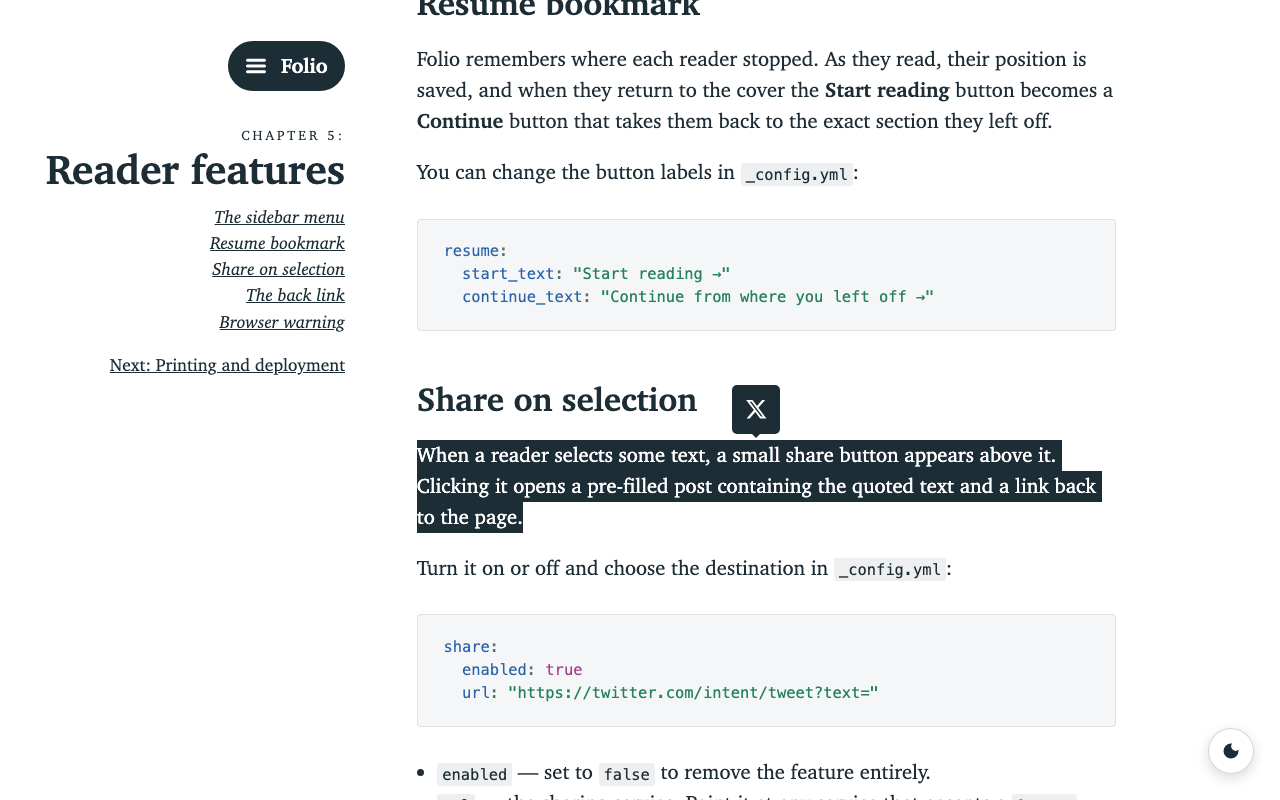
When a reader selects some text, a small share button appears above it. Clicking it opens a pre-filled post containing the quoted text and a link back to the page.
Turn it on or off and choose the destination in _config.yml:
share:
  enabled: true
  url: "https://twitter.com/intent/tweet?text="
enabled— set tofalseto remove the feature entirely.url— the sharing service. Point it at any service that accepts a?text=link (X/Twitter, Mastodon, etc.); the quote and page link are added automatically.
The back link
If your book is part of a larger site, you can show a link back to it on the
cover and in the menu. Configure it in _config.yml:
back_link:
  enabled: true
  url: "/"
  text: "Folio"
Set enabled to false to hide it. url is where the link points and text is
its label.
Browser warning
A banner warns visitors on very old browsers that they should upgrade. Modern
browsers never see it, so there’s nothing to configure. If you’d rather not show
it at all, remove the .warning banner from _layouts/default.html.